
Run offers in minutes
Type a code, pick the discount and save. It works on your website straight away.
Promo Codes
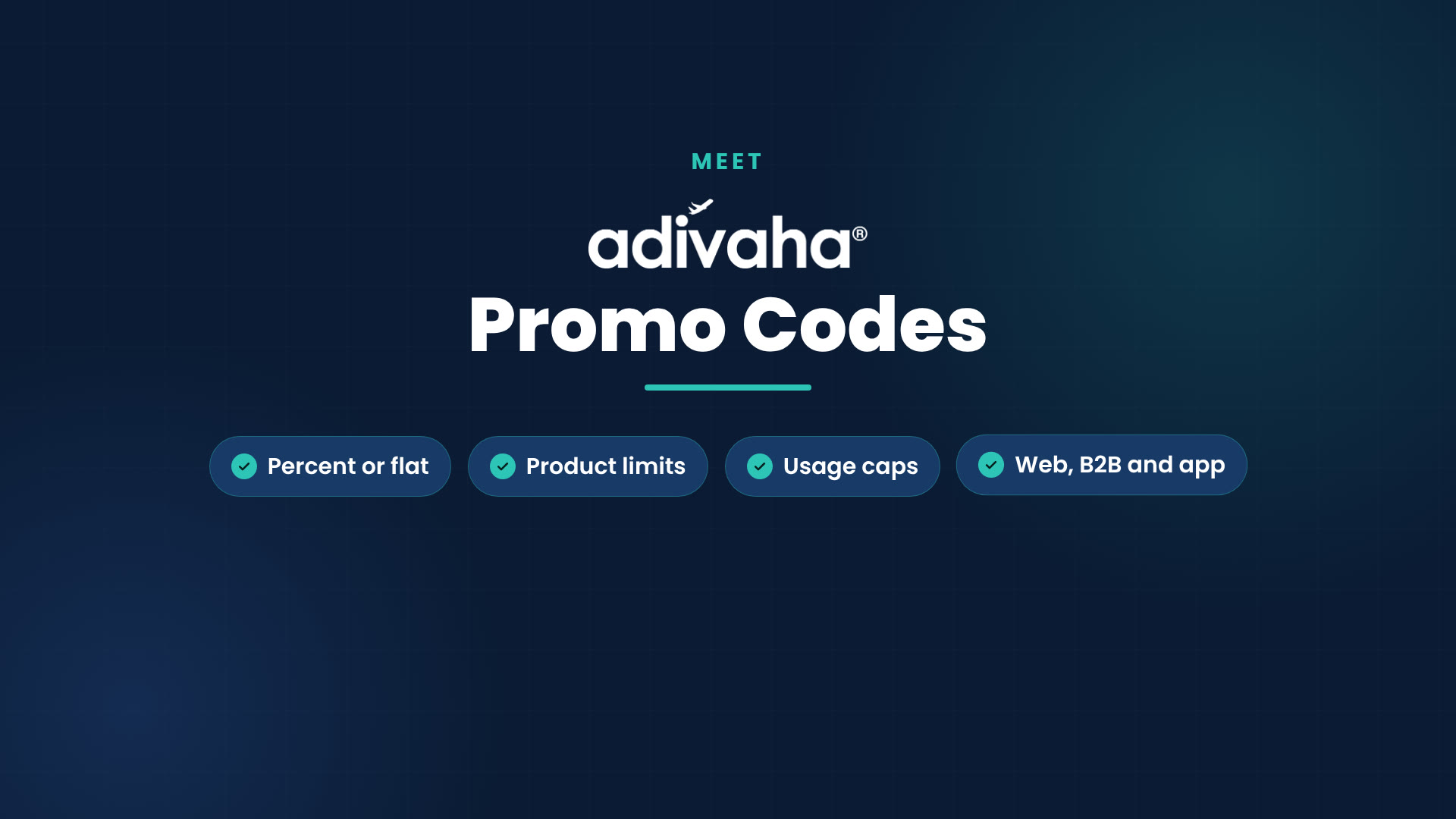
Percent-off or flat-amount codes for your checkout, with limits that protect your margin. Create a code once and it works on your website, agent portal and app.
WhatsApp +91 88514 77865 for today's offer
adivaha® Promo Codes is the discount code tool of the adivaha® booking platform. You create percent-off or flat-amount codes for your checkout, limit them to a product, set a minimum cart, a maximum discount, a usage cap and dates, and the same codes work on your website, your agent portal and your mobile app.
Type a code, pick the discount and save. It works on your website straight away.
Minimum cart, maximum discount and the below-cost guard keep offers profitable.
Limit a code to one product, or on B2B to one agency tier or one agency.
Hide a code from the offers list and share it only with chosen customers.
The same codes work on your website and in your mobile app.
Each code is listed with its discount, product, uses and dates.
Everything below runs on the same adivaha® platform, in your brand.
Watch the filmPromo codesType the code your customers will enter and a short note for your team.
Percent off or flat amount off, and the product it works on.
Minimum cart, maximum discount, usage limit and valid dates.
Click Save Promo and share the code with your customers or agents.
| What you need | Doing it yourself | With adivaha® Promo Codes |
|---|---|---|
| Creating offers | Developer work | A form in your back office |
| Margin safety | Discounts below cost | Below-cost guard and maximum discount |
| Targeting | One code for everyone | Codes by product, tier or agency |
| Channels | Separate codes per channel | Same codes on web and app |
| Expiry | Remember to switch off | Valid dates and usage limits |
Run seasonal offers for travellers at checkout.
Give special codes to one agency tier or one agency.
Launch, track and close offers without help from developers.
Percent off or a flat amount off. You enter the amount and see a quick preview of what a customer saves on a sample cart.
Yes. Pick the product a code works on, such as hotels, or choose Any product.
Set a minimum cart and a maximum discount. With Allow below cost left off, a flight discount never goes beyond your markup.
Yes. On the B2B portal, the Tier and Agent fields keep a code for one group of agencies or one agency. Agents enter it when they book.
Yes. Hide this coupon keeps it out of the offers list, but it still works when someone types it.
Yes. The Mobile APP lists the same promo codes as your website.
Promo Codes sit inside the B2C, B2B and B2E modules. WhatsApp us for today's offer.
Tell us about your business and we set it up with you. WhatsApp +91 88514 77865 or write to info@adivaha.com.
WhatsApp +91 88514 77865 for today's offer