Travel Insurance - B2C White Label Travel Portal
Home » Documentations » B2C White Label Travel Portal » SMS notification

Activate Your Travel Insurance.
- Yearly subscription
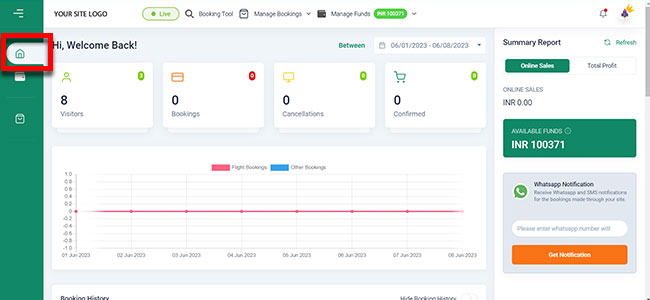
1. Login to your back office and navigate to Dashboard
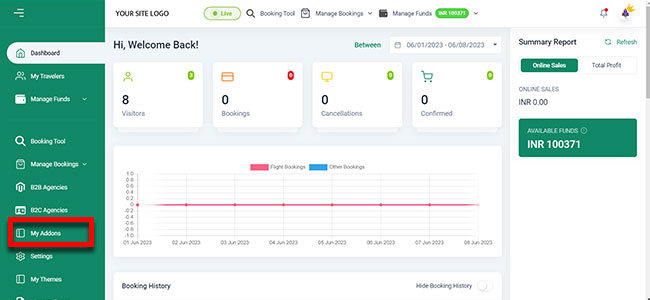
5. Now If you want to Activate Travel Insurance then you have to navigate to My Addons
6. Then Click on Travel Insurance Addons Activate
6. Then Choose Your Payment Method
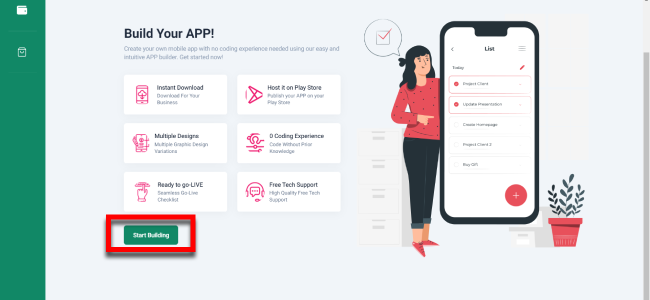
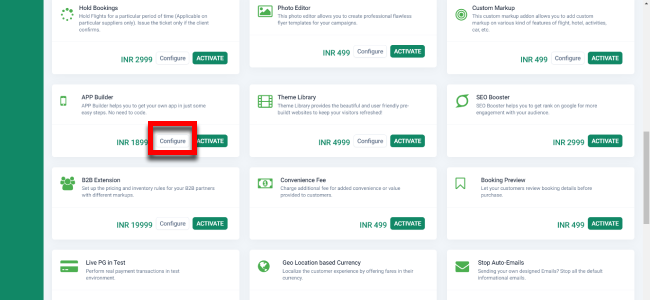
4. Then Click on Travel Insurance Addons Configure
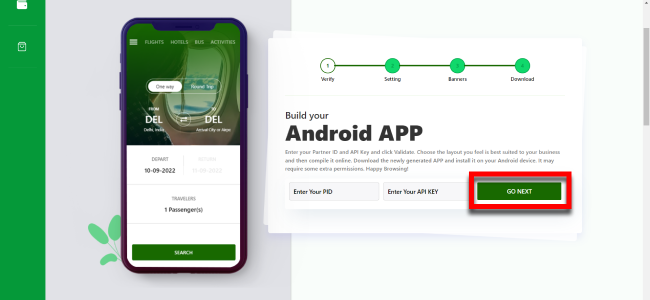
4. Put Your App Icon And select App Details Then Go For App Banners By Clicking Go To Banners
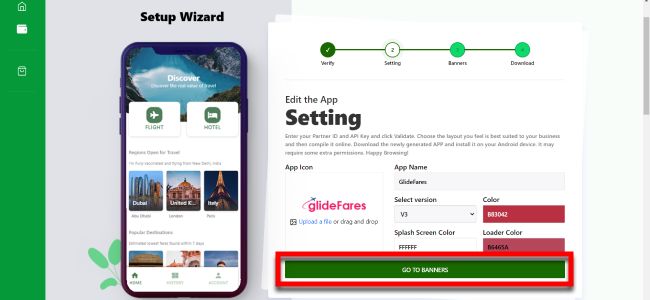
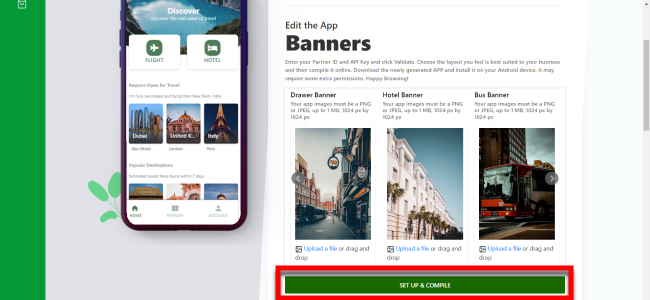
4. Select Your Banners And You Done Just Click On Setup and Compile