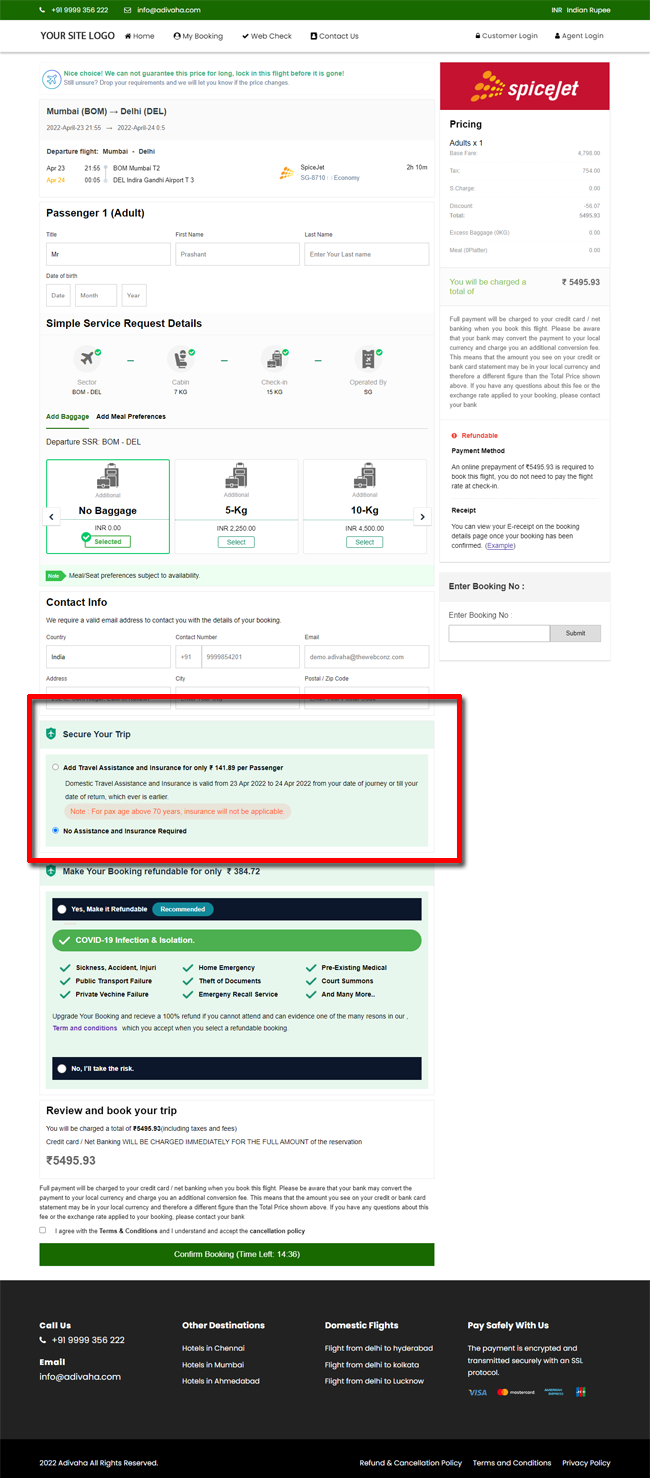
Travel Insurance - Domestic Product
Home » Documentations » B2C White Label Travel Portal » Travel Insurance
Custom-made travel insurance plan that covers an insured traveler from any unforeseen flight-related emergencies faced while traveling
- Paid Addon.
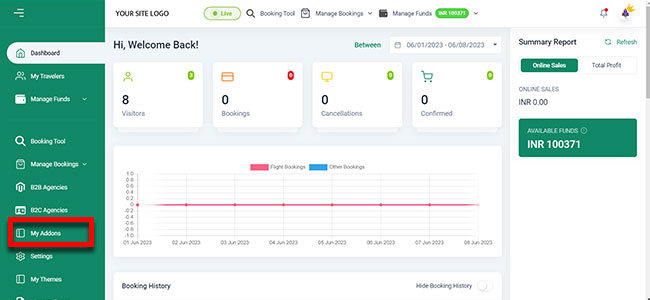
1. Login to your back office and navigate to Dashboard and find My Addons
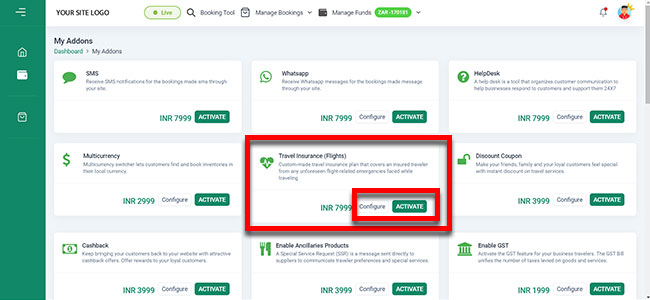
2. Find the Travel Insurance addon and click Configure or Activate.
3. Your customers should now be able to select insurance at the time of booking.