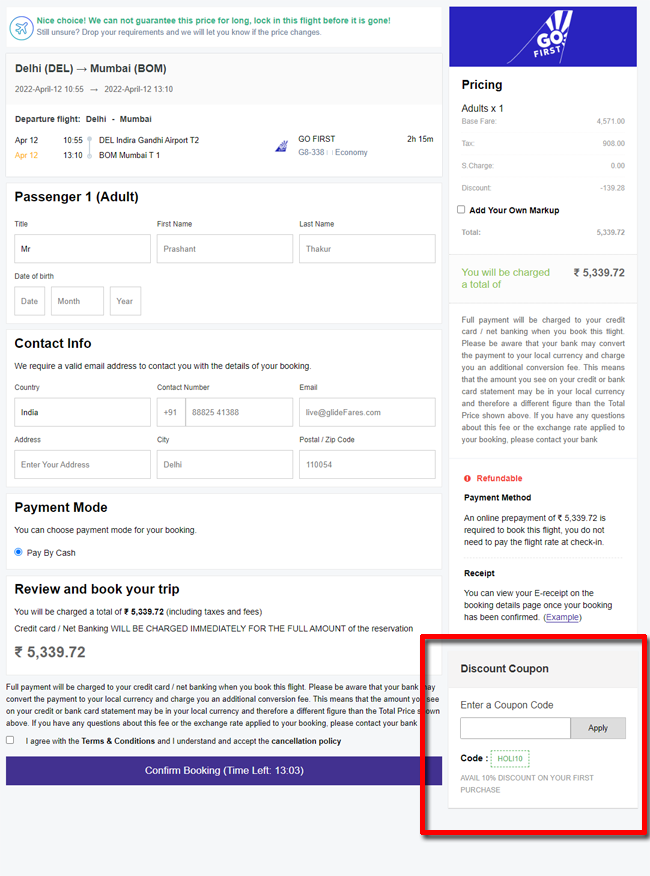
Manage Discount Coupons - B2C White Label Travel Portal
Home » Documentations » B2C White Label Travel Portal » Manage Discount Coupons
Offer deals and discounts to attract customers. Customers will be able to utilize the discount coupons while making a purchase.
- Create unlimited discount copupons for your friends, family and marketing purpose.
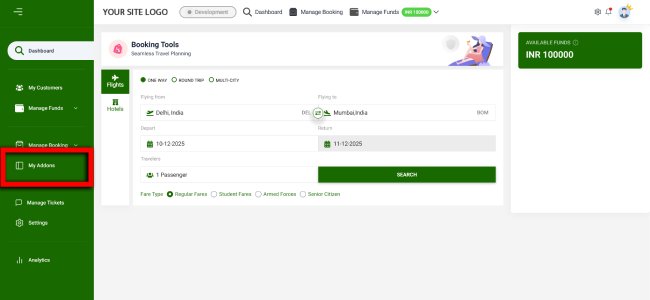
1. Login to your back office and navigate to Dashboard and find Addons
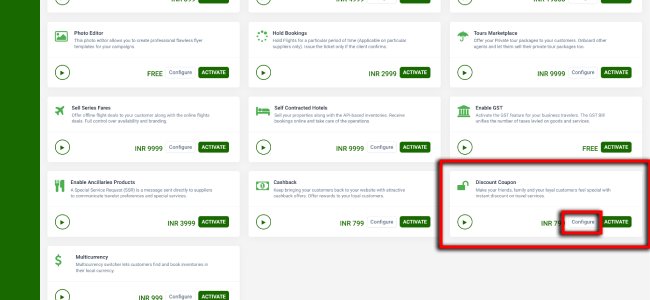
2. Find the Discount Coupons then go to Configure within it.
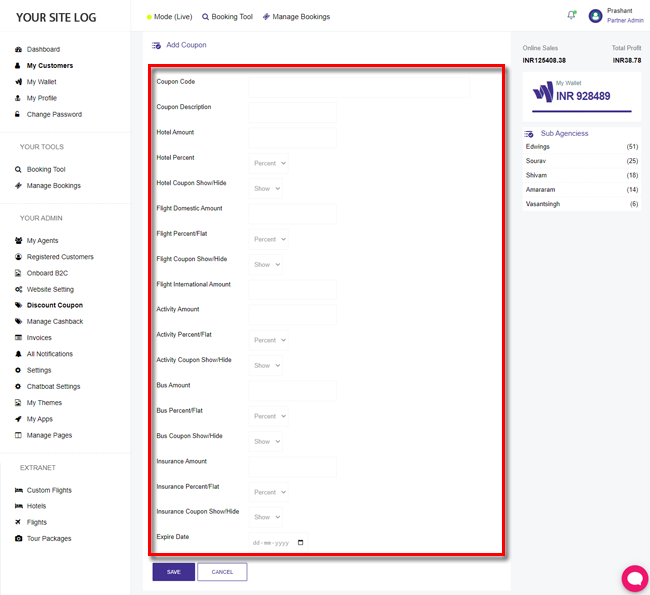
3. Create a new Discount Coupon or edit any one of the existing.
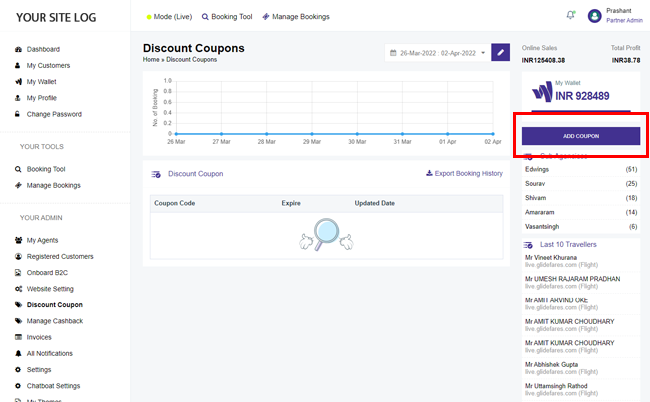
4. Enter Discount Coupon details along with its Expiry date.
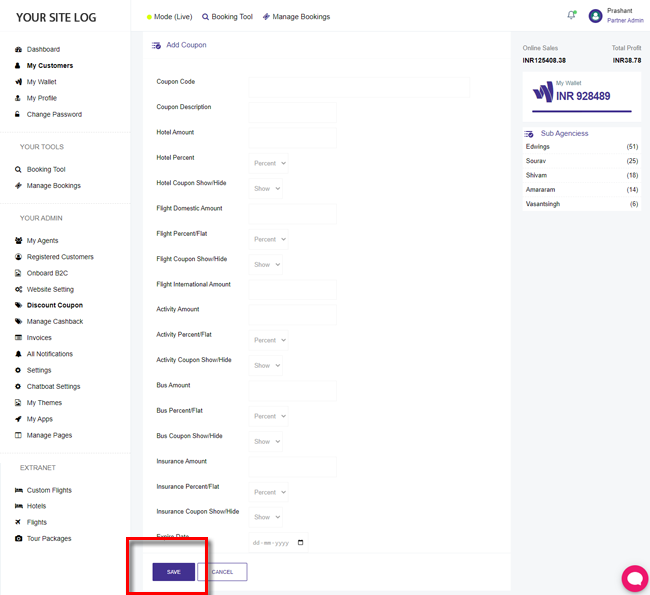
5. Click Save.
Beneficiary will now be able to enter the discount coupon and receive immidiate discounts .