
Tours Marketplace - B2C White Label Travel Portal
Home » Documentations » B2C White Label Travel Portal » Enable Tours Marketplace
Activate Your Tours Marketplace in website to customers.
- Yearly subscription
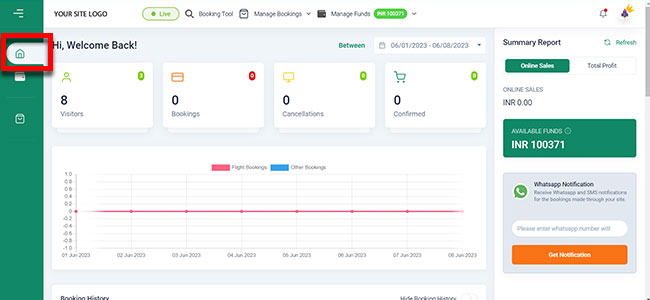
1. Login to your back office and navigate to Dashboard
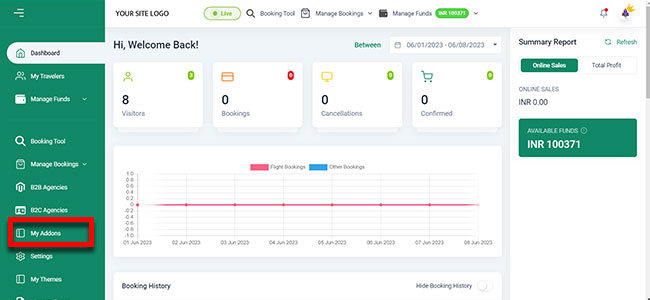
5. Now If you want to Activate Tours Marketplace then you have to navigate to My Addons
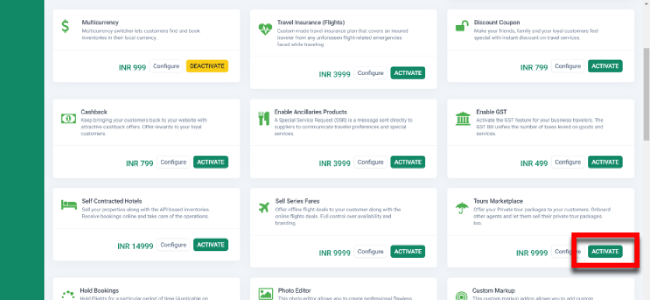
6. Then Click on Tours Marketplace Addons Activate
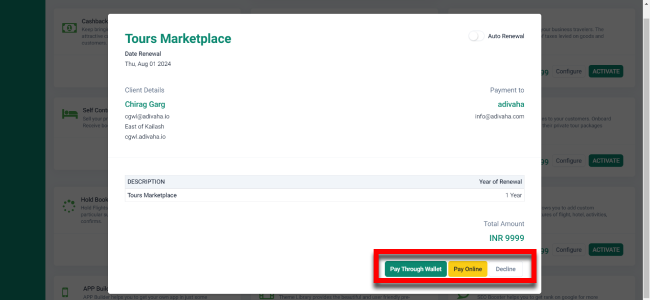
6. Then Choose your Payment Method
6. Then Click on Tours Marketplace Addons Configure
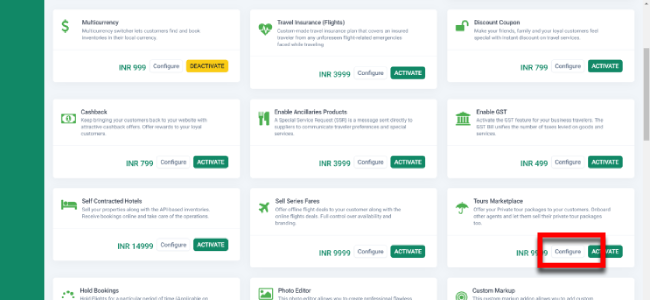
4. Now You Can Edit Or Add New Flights with the specific details from here
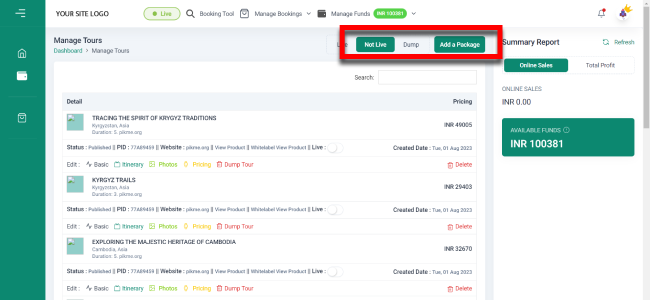
4. Now Your Tours Marketplace Addon Is live